


DrpoSR
MEKEDE &NAVIFLY Android 14 Wireless Carplay Auto Car Radio for Hyundai Ix45 Santa Fe 2006 - 2012 Multimedia Player GPS FM Stereo
MEKEDE &NAVIFLY Android 14 Wireless Carplay Auto Car Radio for Hyundai Ix45 Santa Fe 2006 - 2012 Multimedia Player GPS FM Stereo
Couldn't load pickup availability
SPECIFICATIONS
Brand Name: STRONGNAVI
Built-in CD player: no
Certification: CE,FCC
Choice: yes
Digital Media Format: Mp3,MP4,WMA,JPEG
Din: Double Din
Display Size: 9"
For Vehicle Brands/Model: HYUNDAI
High-concerned chemical: none
Interface: plug and play
Is touch screen: Yes
Item Weight: 1.5
Material: plastic and metal
Max External Memory: 16/32G
OSD Language: Chinese (Simplified),Chinese (Traditional),albanian,Irish,Bulgarian,Polish,German,Russian,French,Filipino,Finnish,Korean,Dutch,czech,Croatian,Latvian,Lithuanian,Romanian,Malay,Norwegian,Portuguese,Japanese,Swedish,Serbian,Slovak,Slovenian,THAI,Turkish,Ukrainian,Hebrew,Greek,Spanish,hungarian,Italian,hindi,English,Vietnamese
Operating System: Android
Origin: Mainland China
Out Power: 45*4W
Output Type: Colored
Resolution: 1024*600
Special Features: Built-In Speaker/Microphone,wifi function,Support steering wheel control,Support Can-Bus,Built-in GPS,Mobile Phone,MP3 players,CarPlay,android auto,Reversing Input,Split Screen
TF/Micro SD Slot: 0
Voltage: 12 V
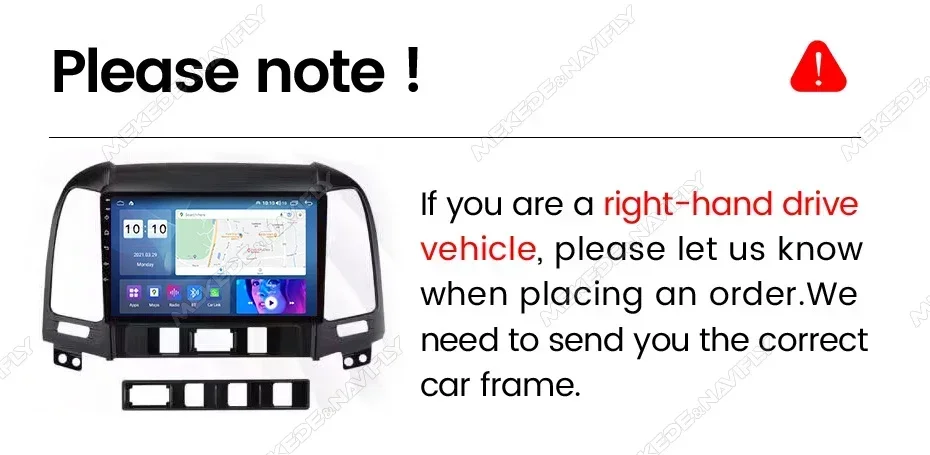
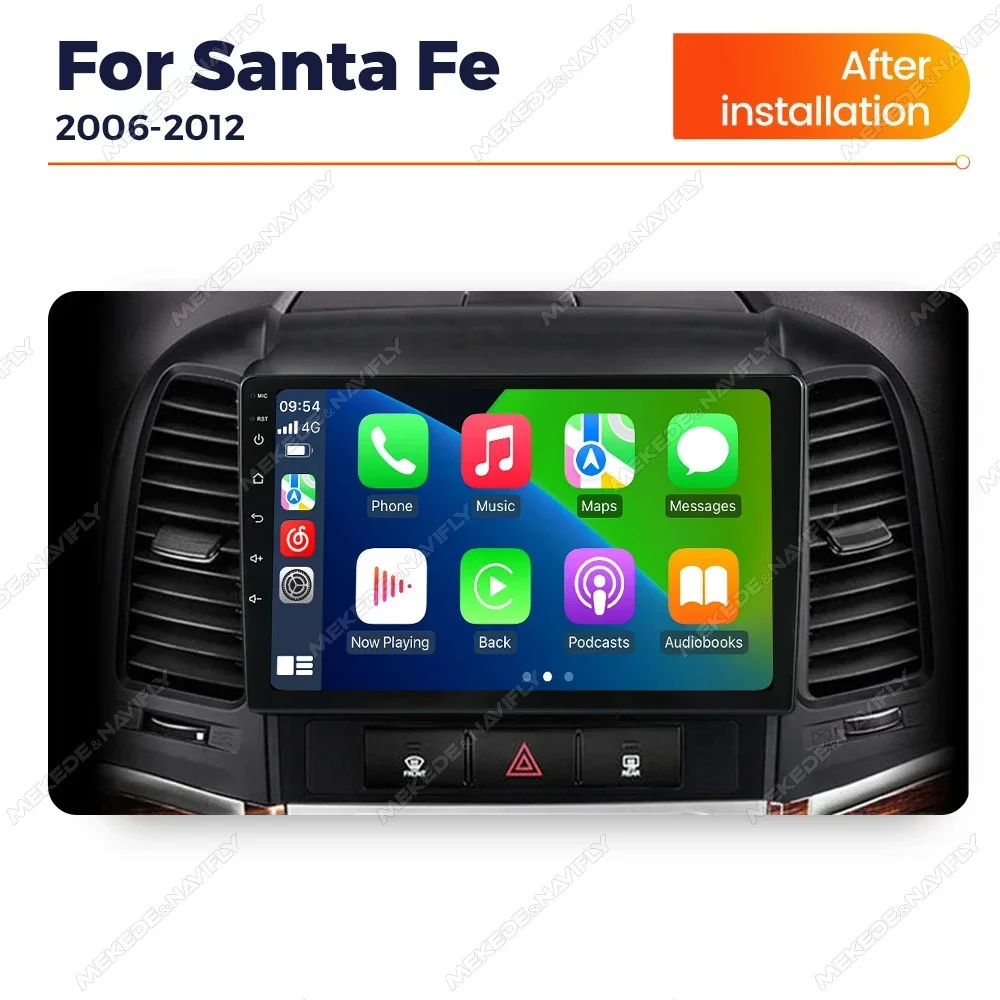
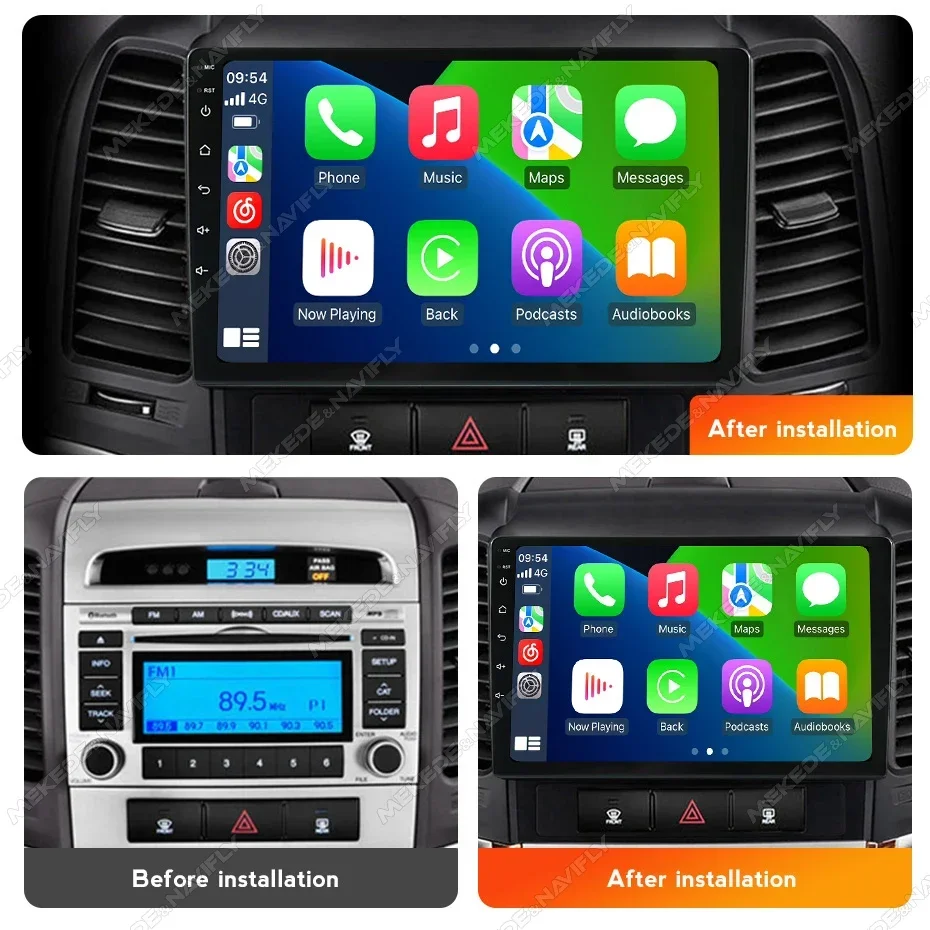
Note: Compatible list is just for refernece , please confirm shape & size of center console before order.

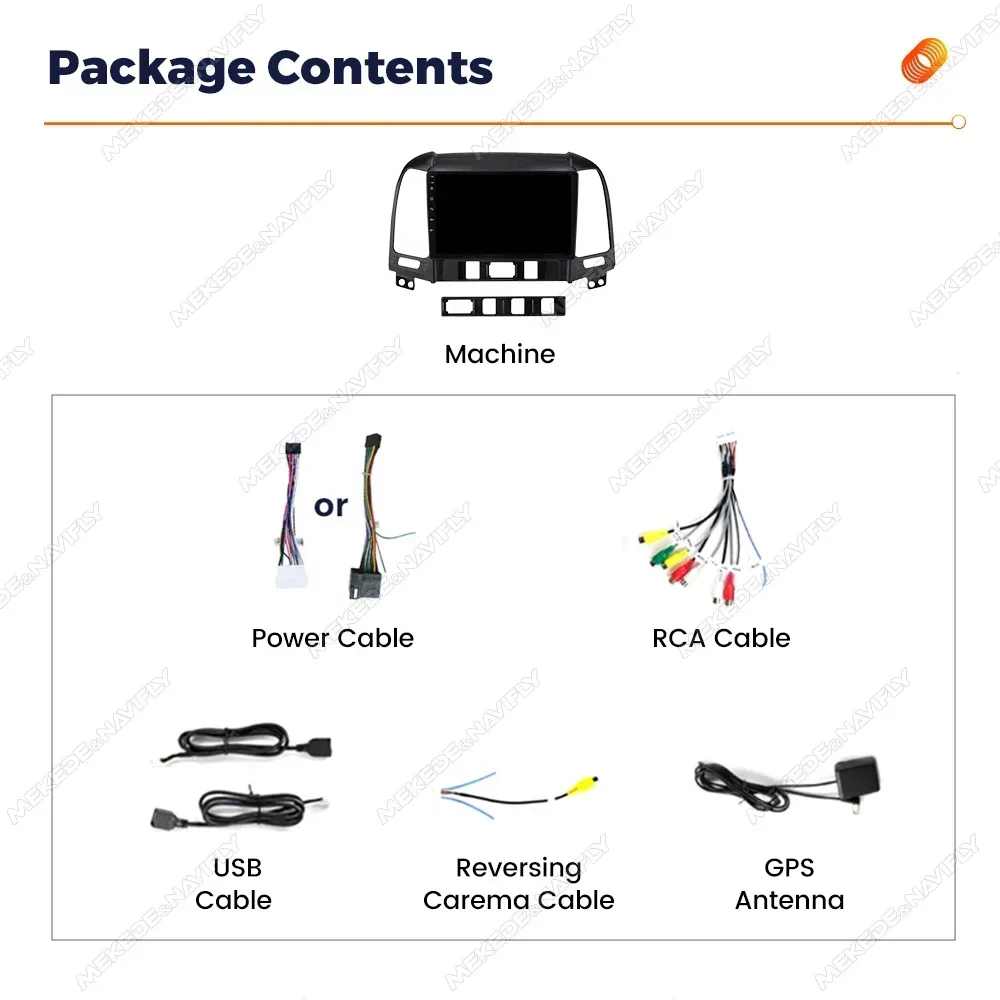
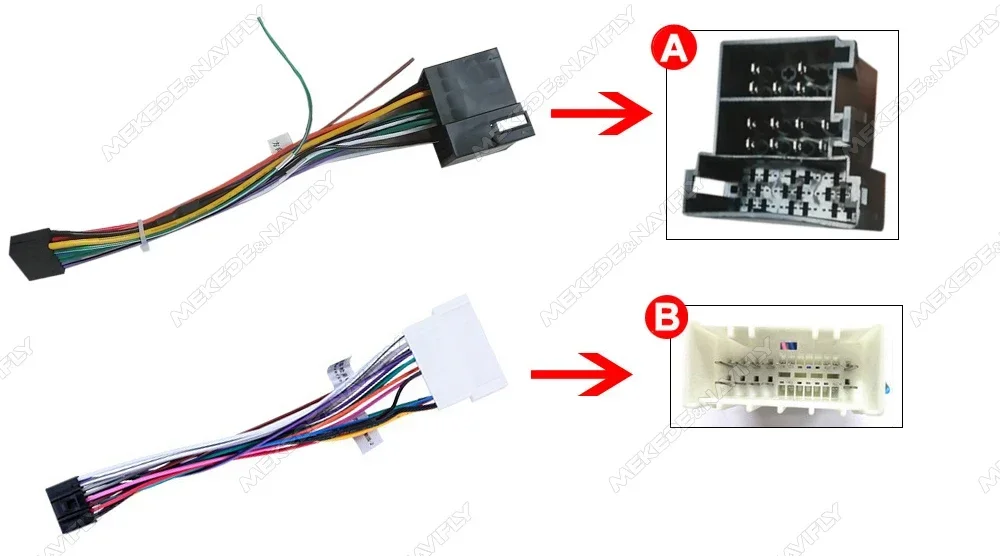
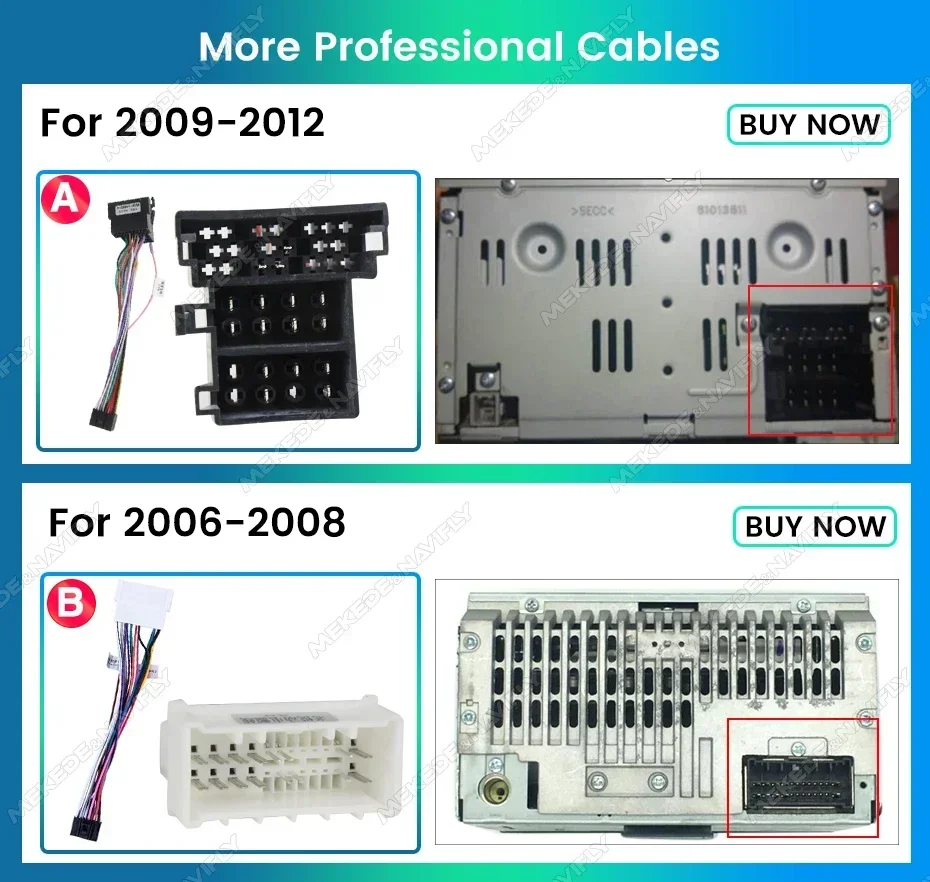
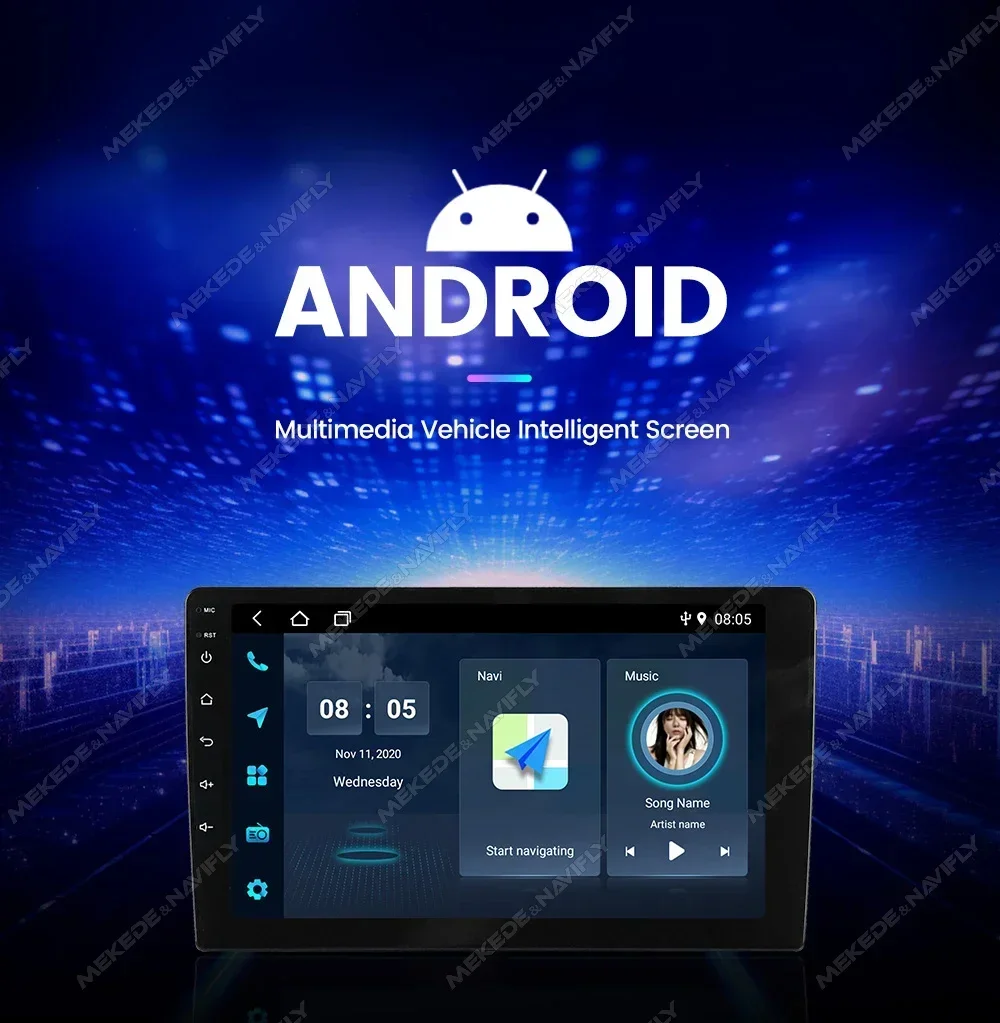
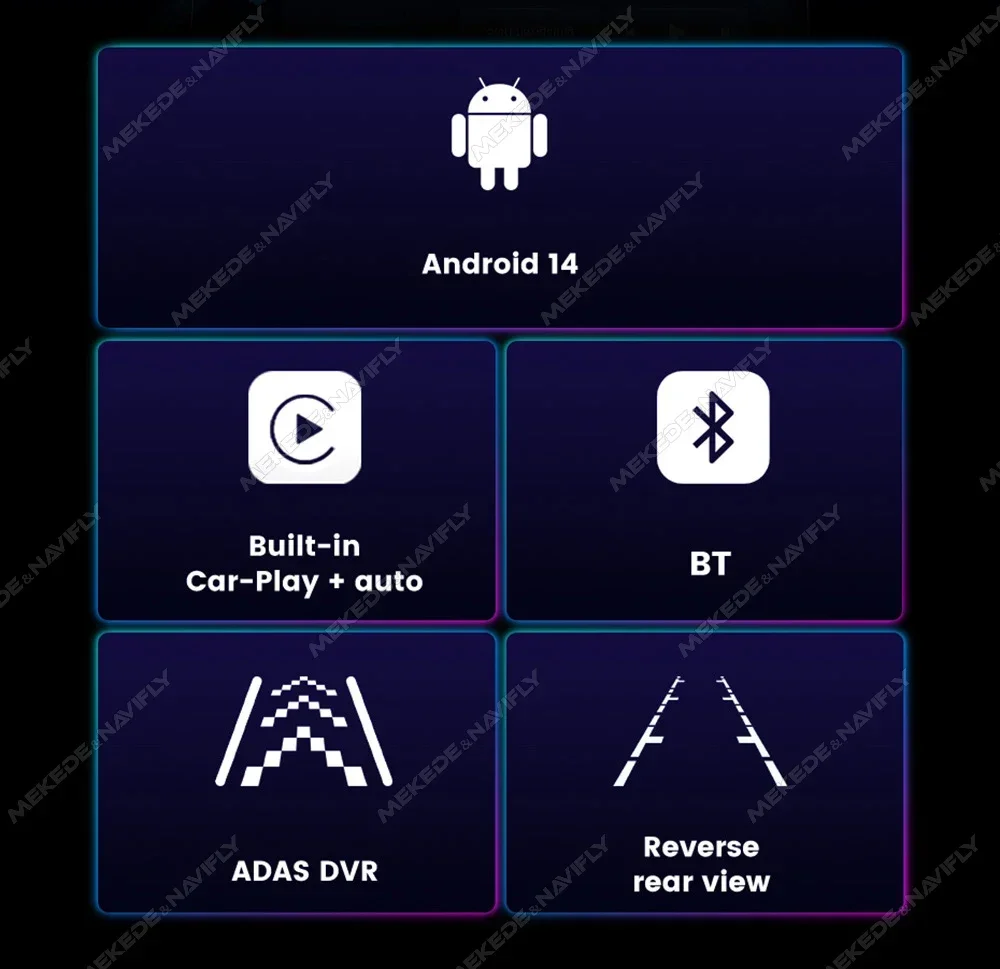
●X1(1+16G) , X2(2+32G)
●support carplay & andorid auto
●OS Android 14,4-core,IPS screen 1024*600,wifi internet,FM radio
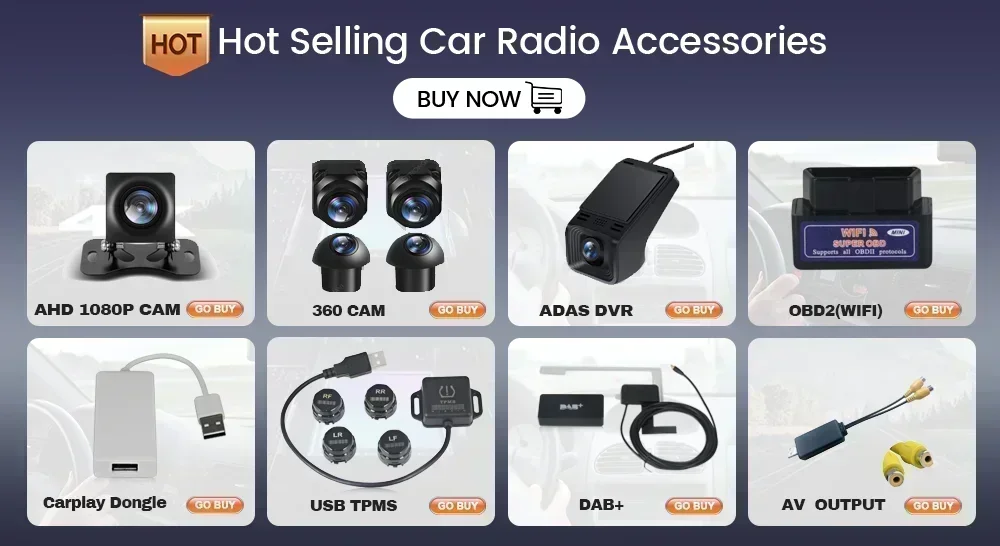
●camera/DVR is optional(-A with camera,-B with camera DVR)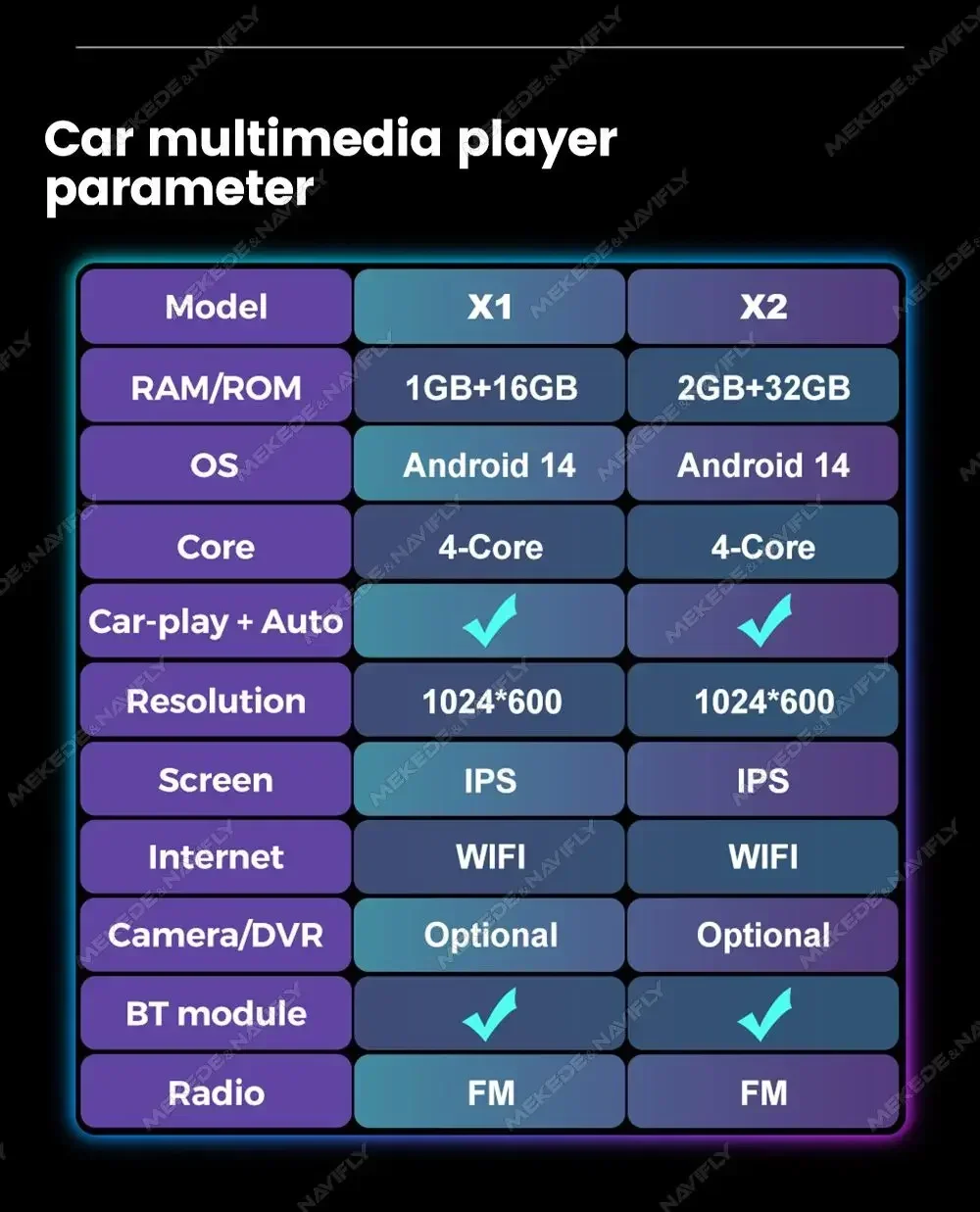
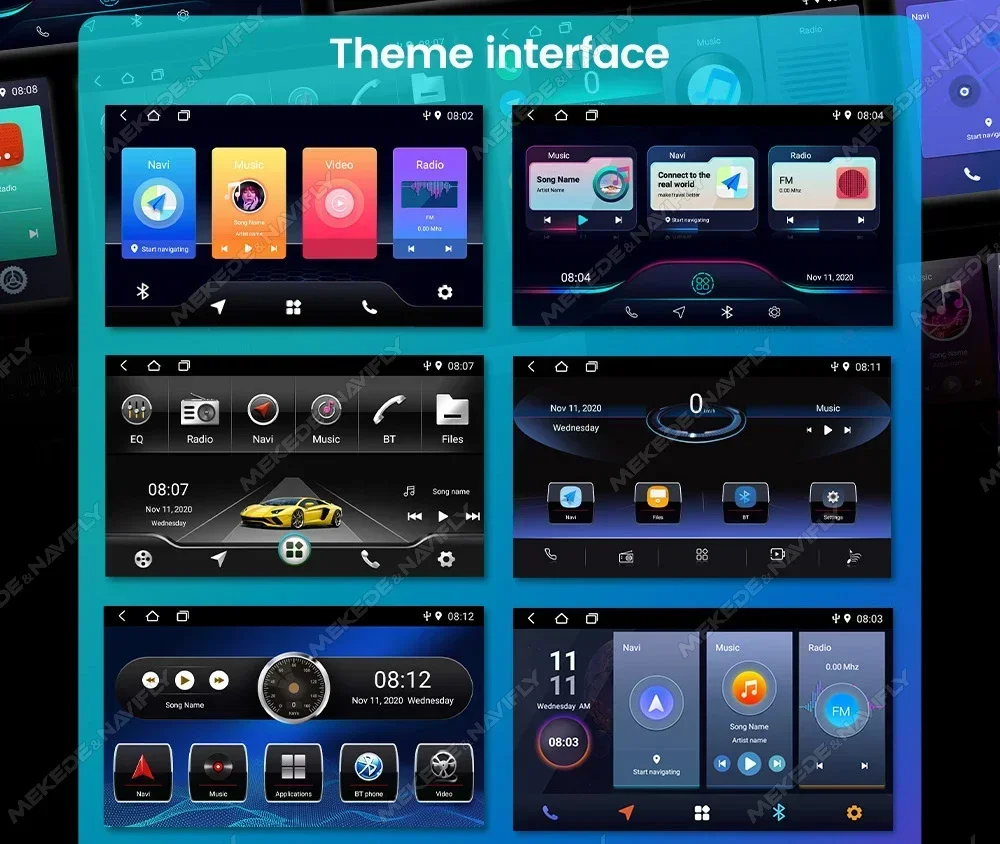
Main menu,The latest main menu will make driving easier and the car cooler.
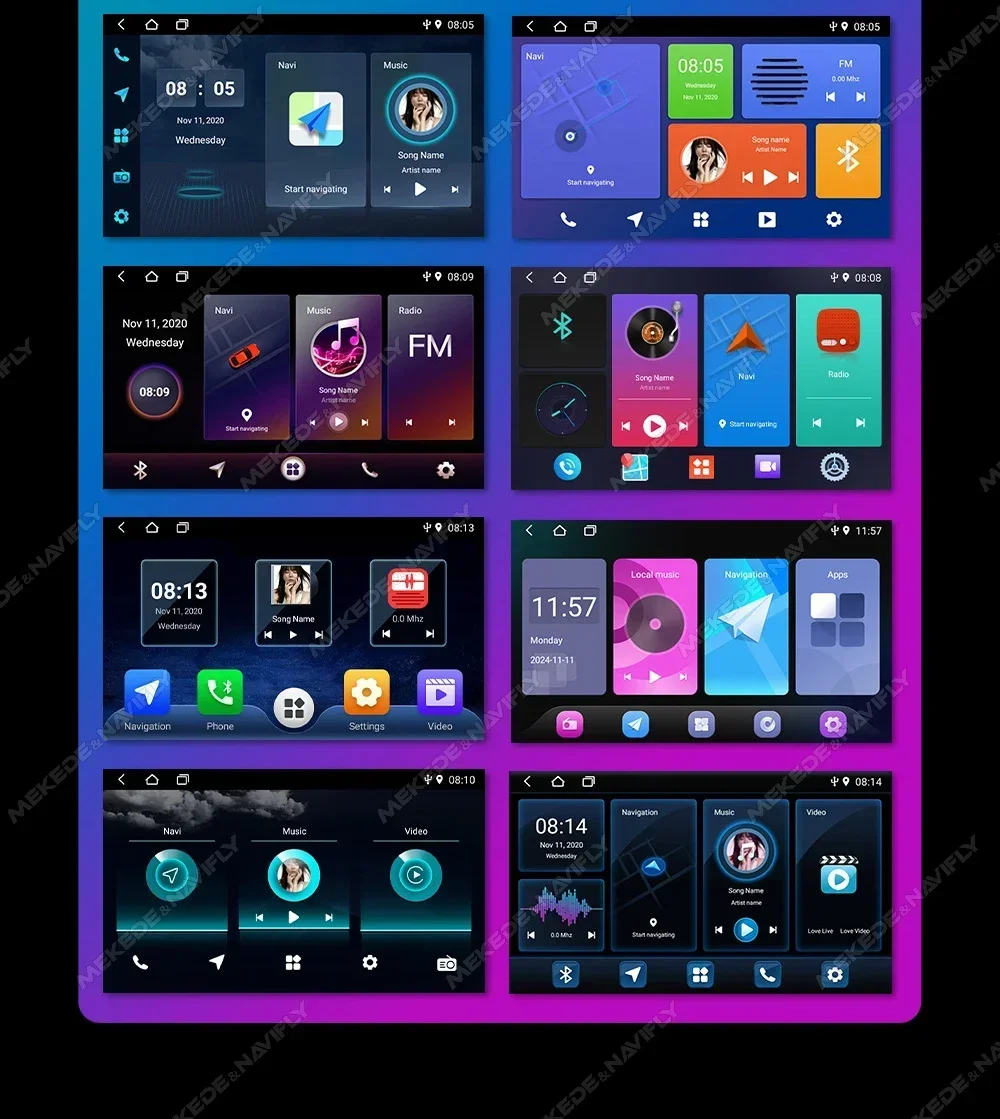
Car dvd player comes with car-play andorid auto function, not need purchase additional accessories.
●wireless Car-play Connection steps:1.Connect BT2.Click on "R Lin-k"and wait for connection(Note: Car-play can also be connected via USB Cable)
●Wireless andorid Auto Connection steps:1.Connect BT 2.Click on "Android Auto APP"and wait for connection(Note: Android Auto can also be connected via USB Cable)
FM radio,lt supports outomatic search and manual search, you can drag the icon of target station and replace it into channel list.
steering wheel contorl,Take control of the music or use hands-free calling function for safety to and concerntrate on the road ahead.This head units steering wheel control(SWC) works with a digital SWC.
Multiple Languages,English, German,French, Spanish, Italian,Portugese,Rusian, Dutch,Polish,Japanese,Simplified and Traditional Chinese,Arabic, etc.
Resolution 1024*600,The ultra-clear screen display effect is greatly improved the screen display is more delicate.
1080P video decoder, True Color 24 HD- Display.Support perfect APE music 3D acceleration allows fluent playback at any section of your USB/SD quality video.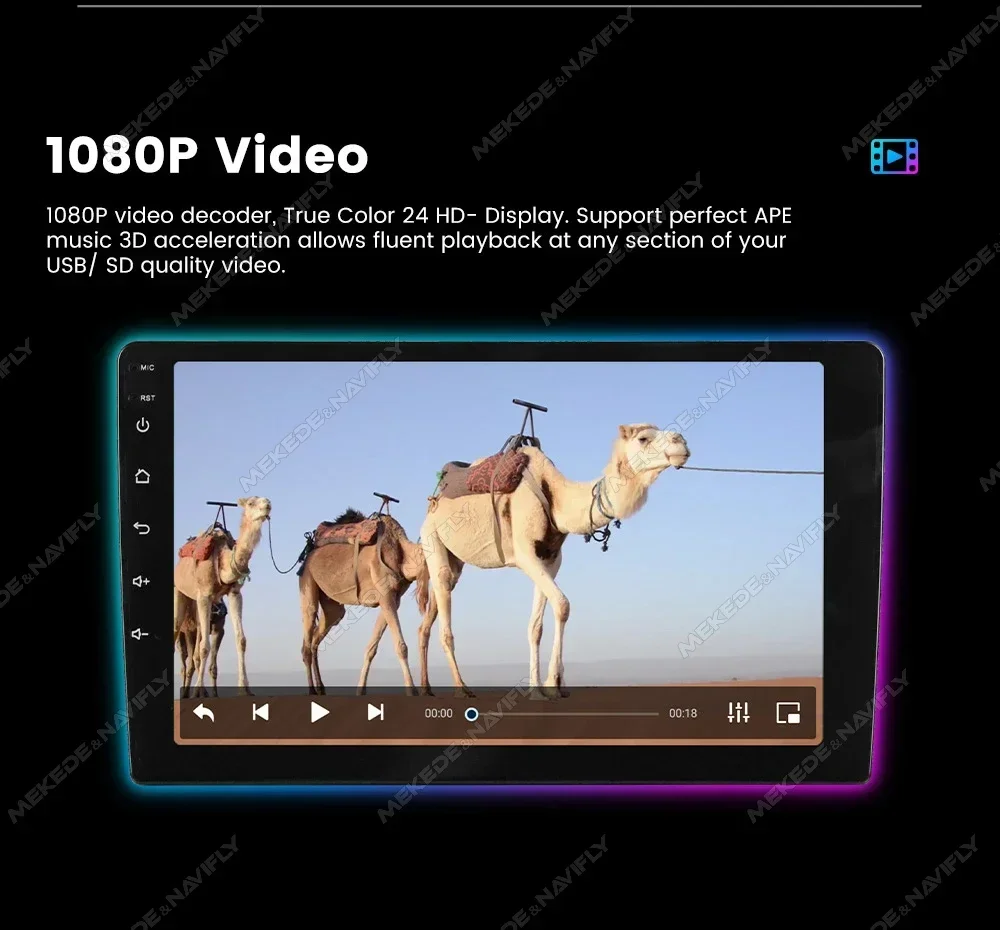
Built-in smart BT system, can support mobile phone BT pairing,hands-free doaling support steering wheel button street listening,accompanying chat to ensure your driving safety.
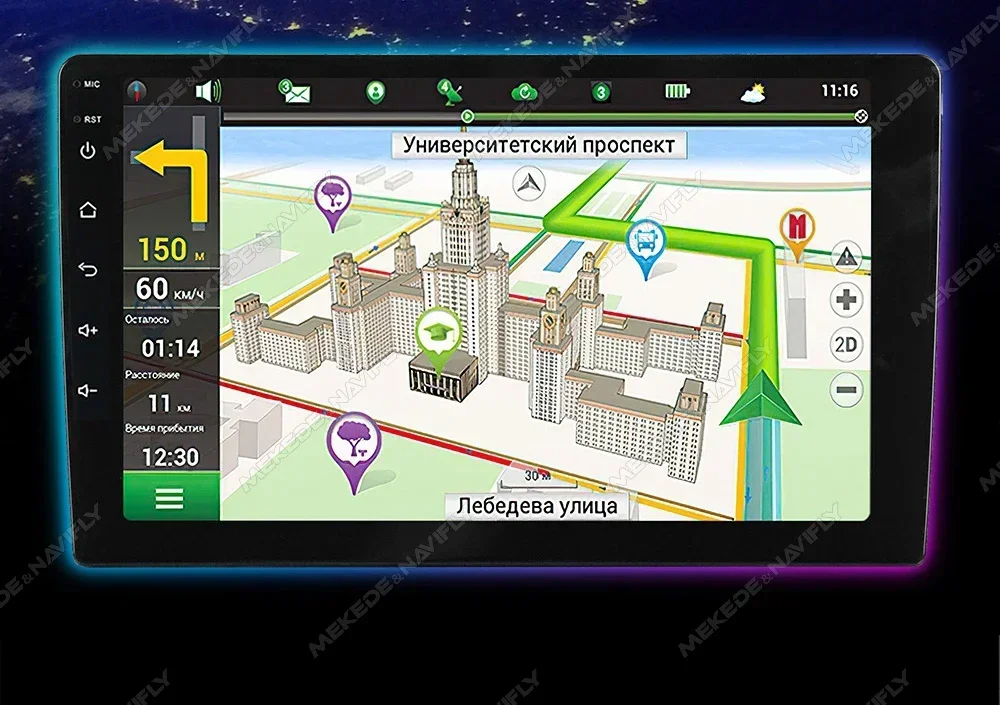
GPS Navigation,Built-in global positioning system, omni-directional map display,synchronous display real-time traffic conditions, rapid and accurate positioning.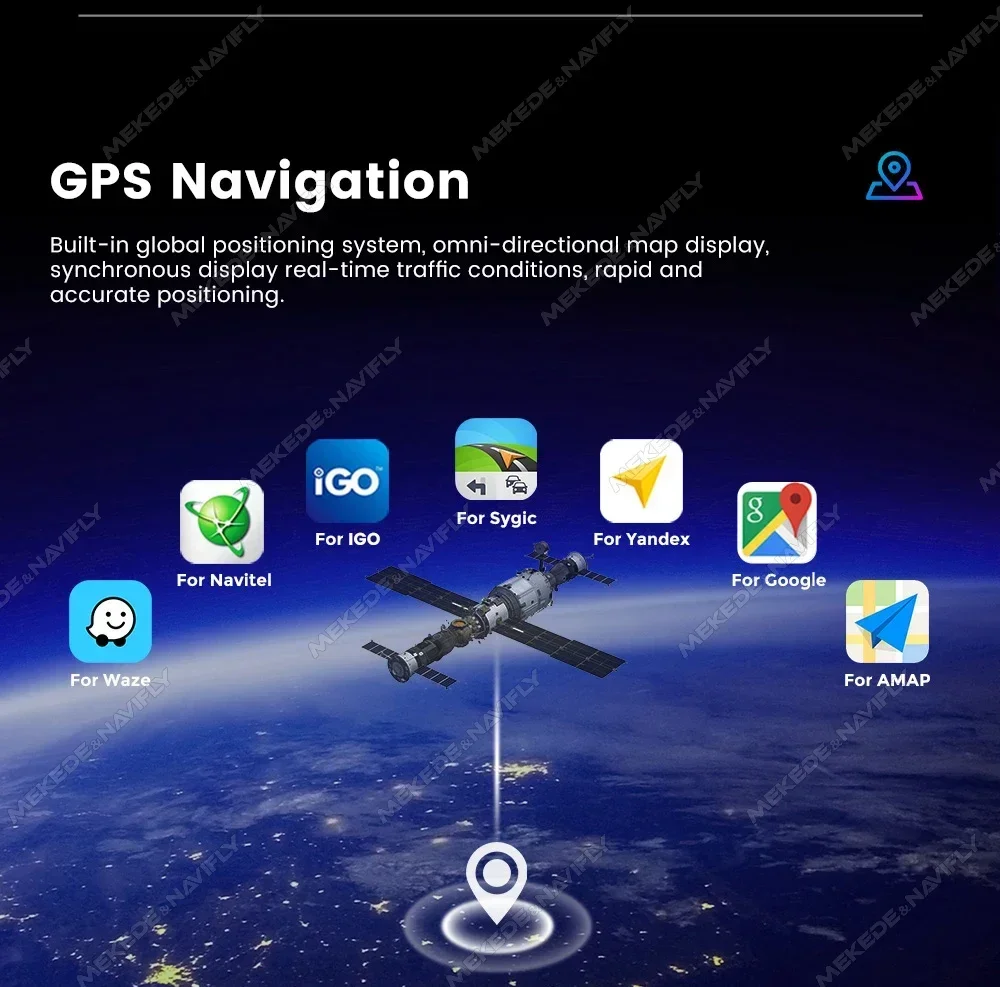
reversing Video,The picture quality of rear-view video is clearer than that of ordinaty camera.(Note:Rear view
Camera is not included please click to purchase)
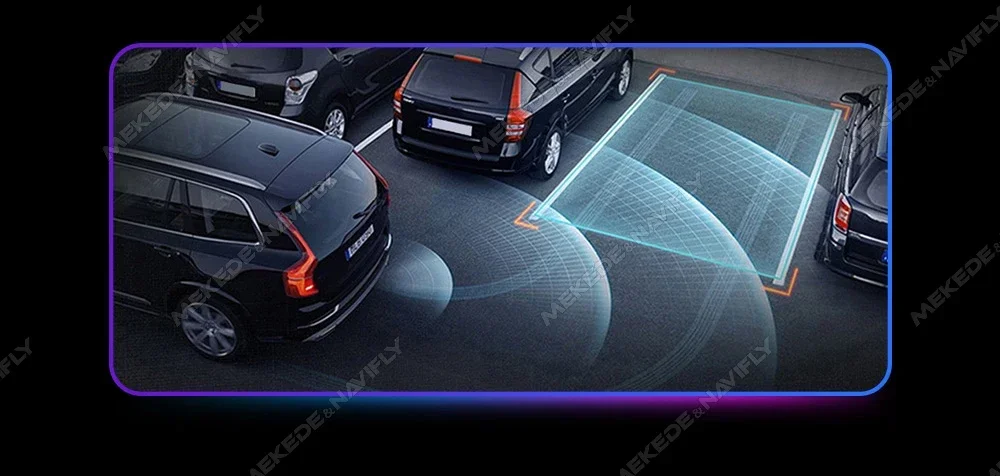

ADAS DVR,Anti-collision warning driving recorder Front vehicle distance prediction, front vehicle anti-collision warning and lane departure warning make driving safer.(Note: DVR is not inclouded,please click to purchase)


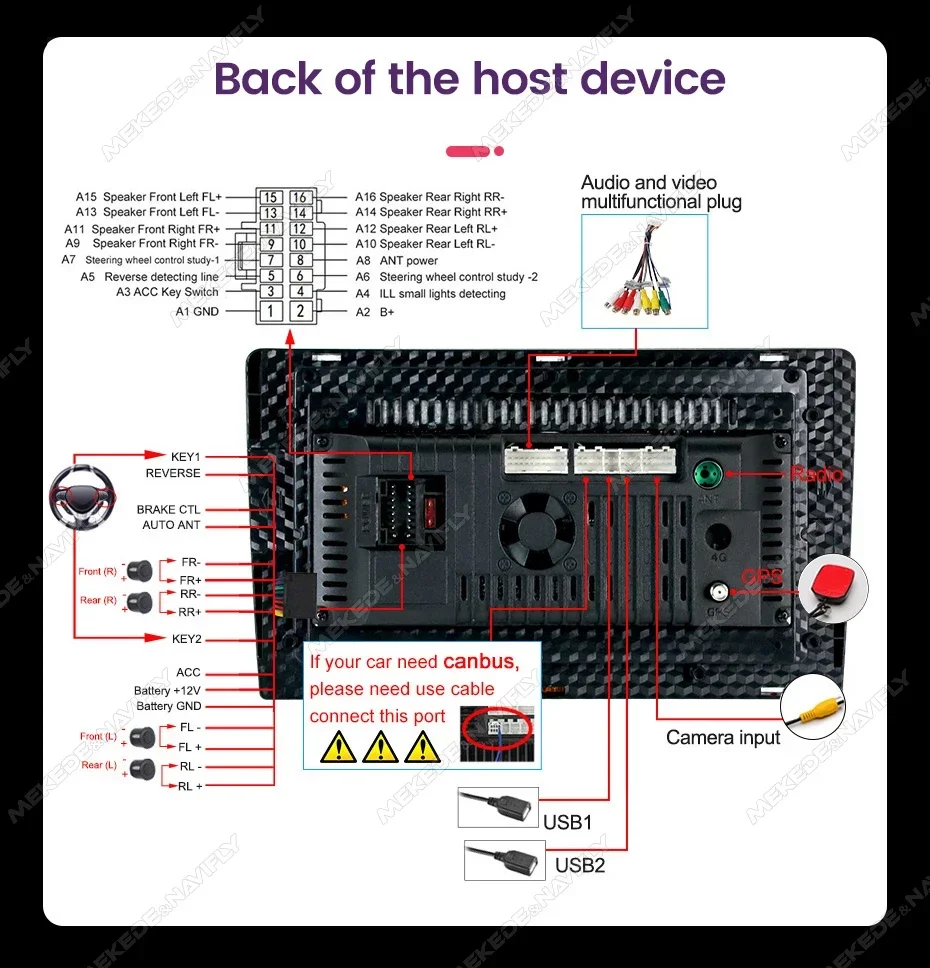
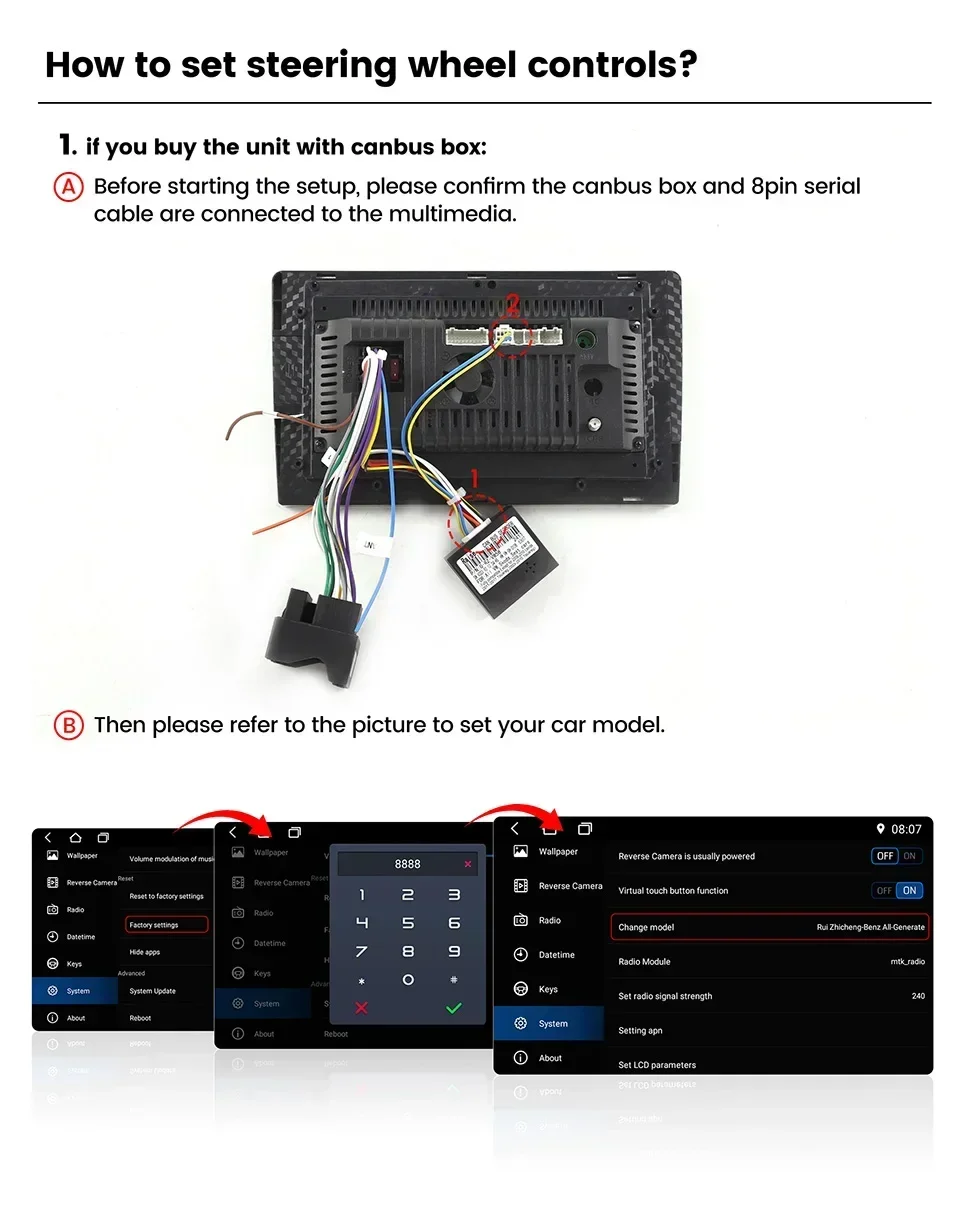
️How to set steering wheel controls?
1. if you buy the unit with canbus box:Before starting the setup, please confirm the canbus box and 8pin serial cable are connected to the multimedia.Then please refer to the picture to set your car model.
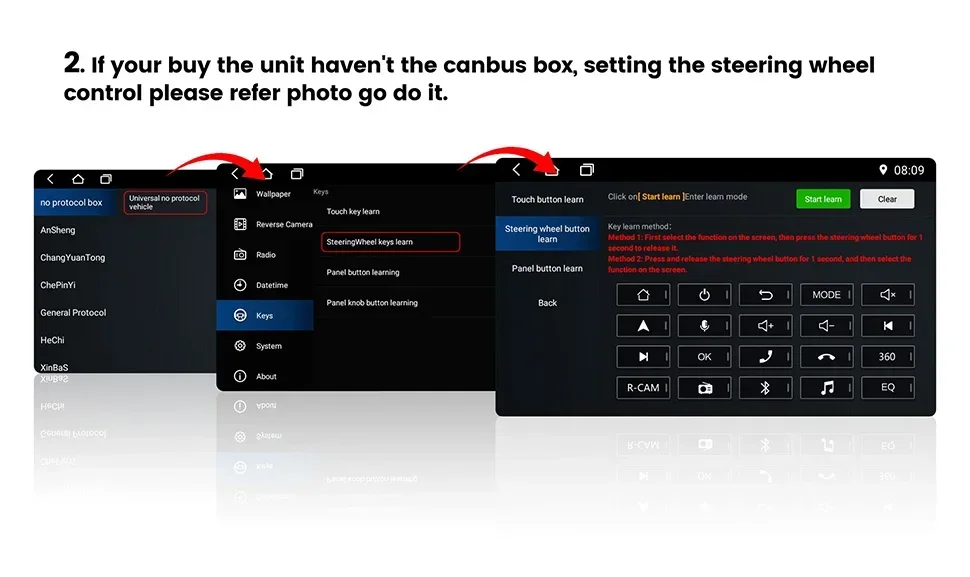
2. if your buy the unit haven't the canbus box, setting the steering wheelcontrol please refer photo go do it.
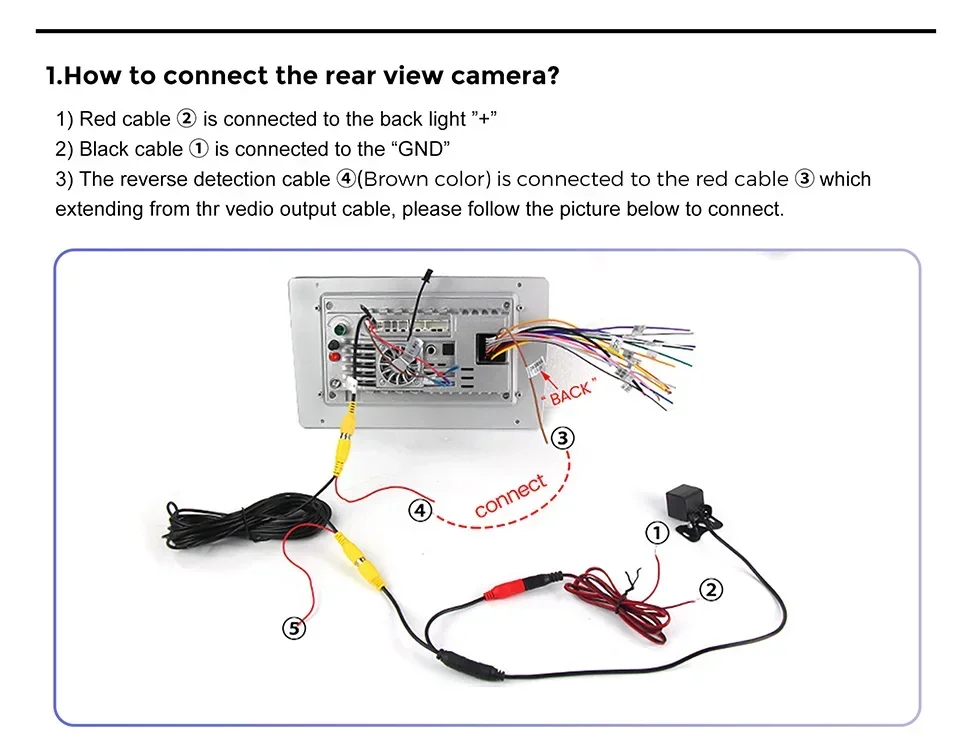
️How to connect the rear view camera?
1) Red cable is connected to the back light "+"
2) Black cable is connected to the "GND"
3) The reverse detection cable ④(Brown color) is connected to the red cable ③ which extending from the vedio output cable, please follow the picture below to connect.
️How to connect wireless Carplay and Android Auto?
1.For the first connection, need to turn on the phone's Bluetooth to peer with the car's Bluetooth.
After the pairing is successful, the car radio will automatically jump to the R link or AutoLink interface
2.At this time, the phone pop up a prompting message "use CarPlay with ZLink or AutoLink ",click confirm it,Then the CarPlay will be connected

Shipping and Delivery
Shipping and Delivery
Shipping policy
Most orders are delivered within 7-9 business days. Monday to Friday are considered as business days except for public holidays.
Delays in delivery can occasionally occur around public holidays or at times because of unforeseen circumstances, but we do our best to provide timely deliveries to all our customers.
Orders once placed, cannot be cancelled.


